Ask a question
You can ask questions or search for stories, guides, or tools that help you.

You can ask questions or search for stories, guides, or tools that help you.
The website remembers your choices on this device only. If you use another phone or computer, your settings will not be there.
Because it was made with people with intellectual disability.
Learn more about why we trust it and how to check other information.
This step by step guide can help you find health information and resources online.
A social story is a story with words and pictures that teaches a new skill or gets you ready to try something new. Social stories can be made just for you. The story can help you worry less and feel more confident.
This resource was made and tested with people with intellectual disability, researchers and a health professional.
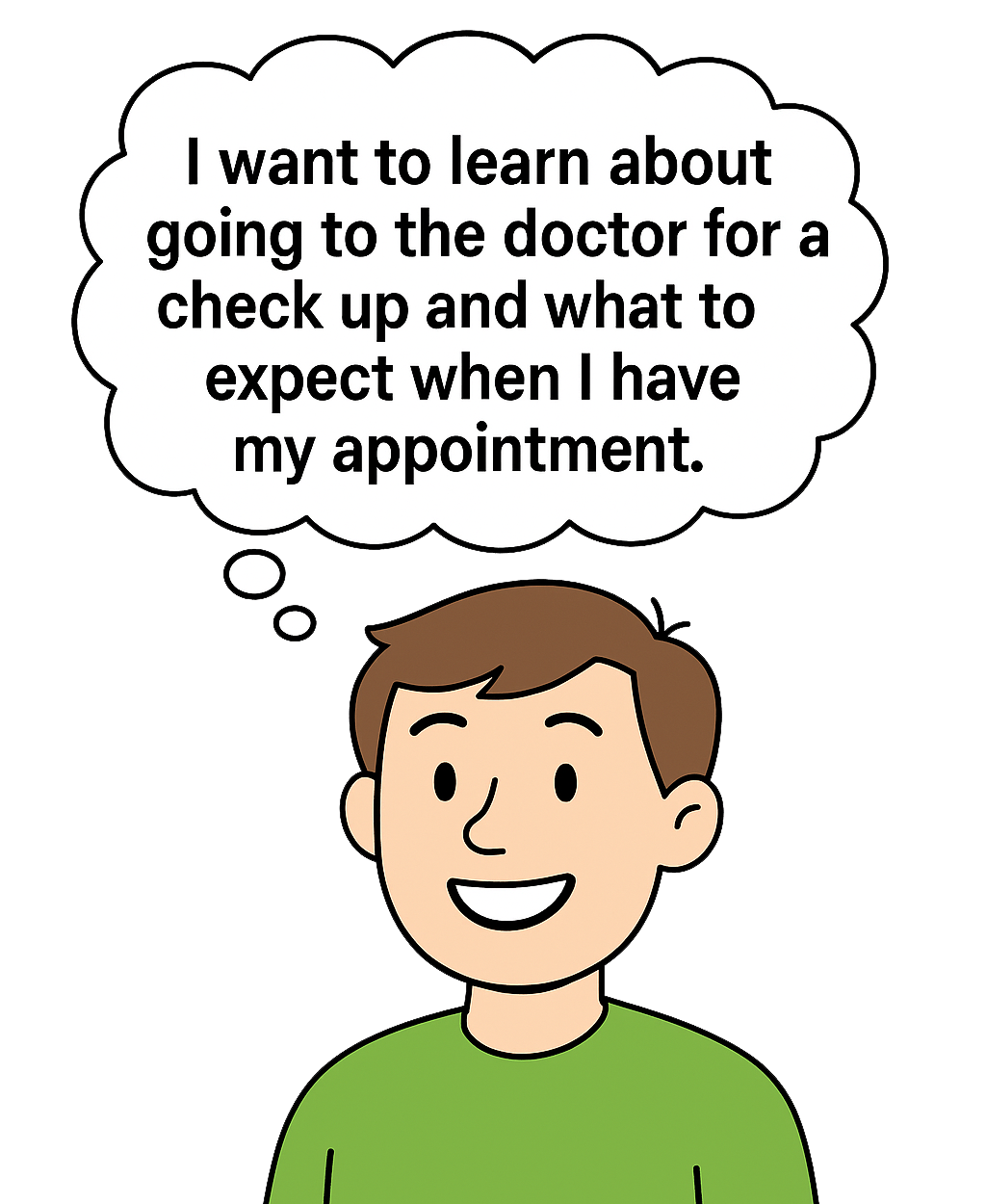
1. Decide what you want to find out or learn about.
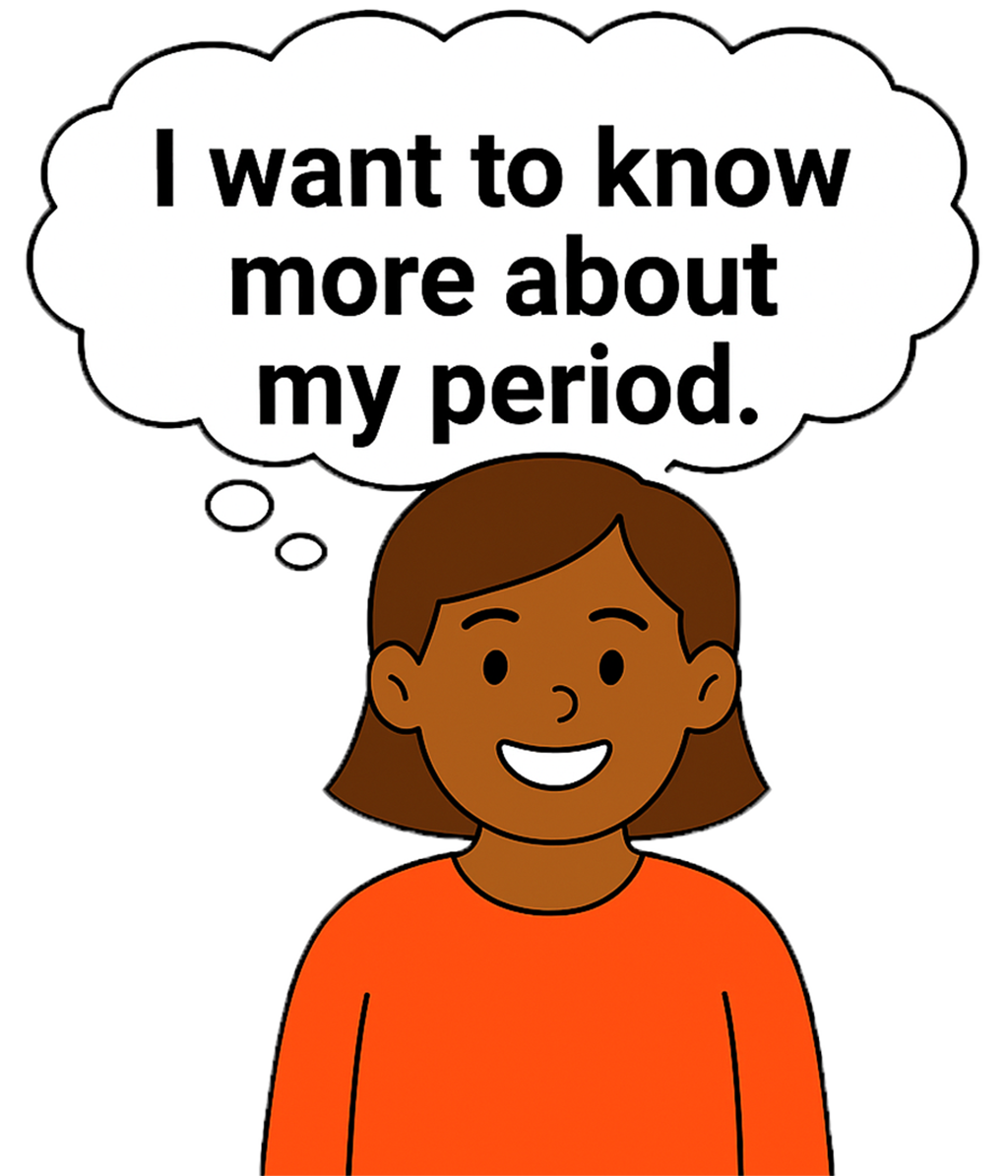
2. Come up with key words for your topic.
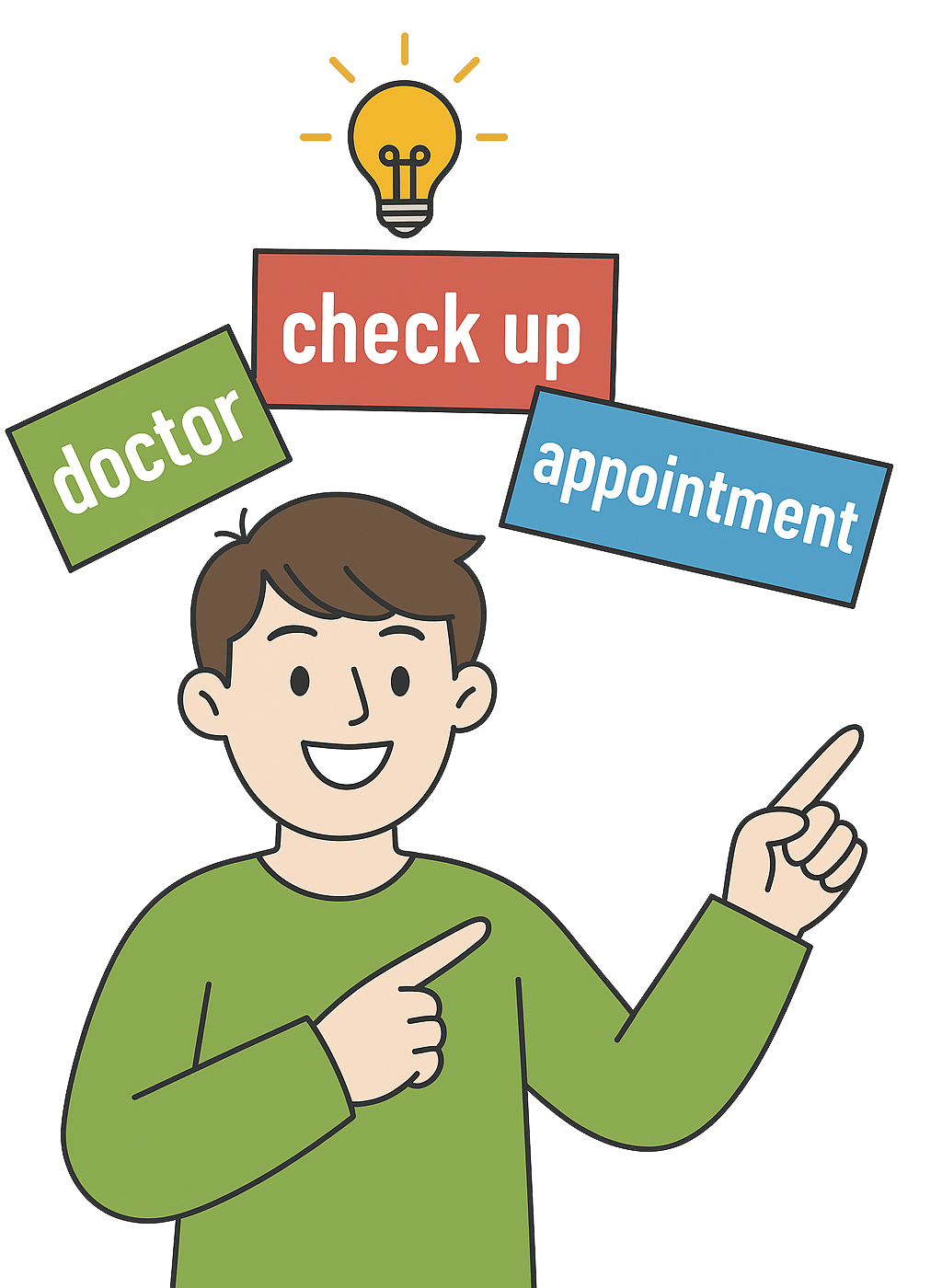
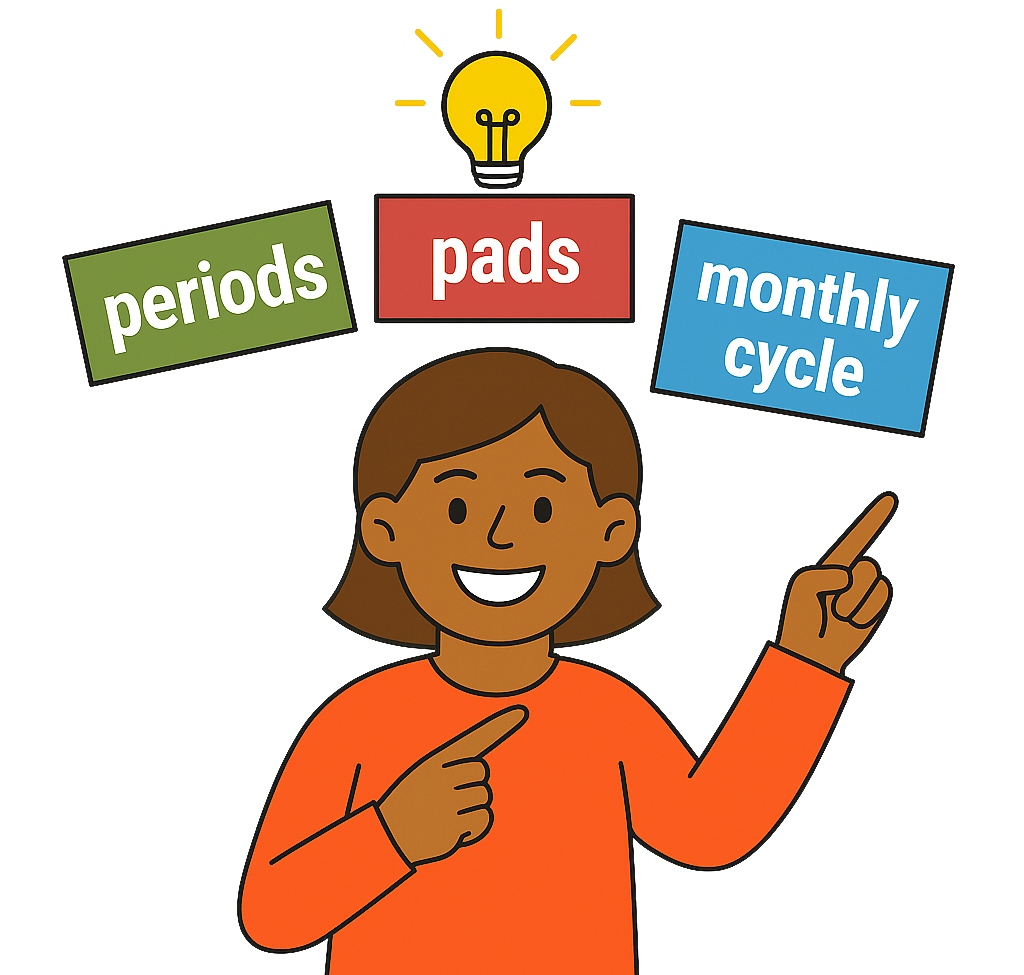
Key words are the main words that say what you want to learn.
For example, if you want to learn about going to the doctor, some key words might be
For example, if you want to learn about periods, some key words might be
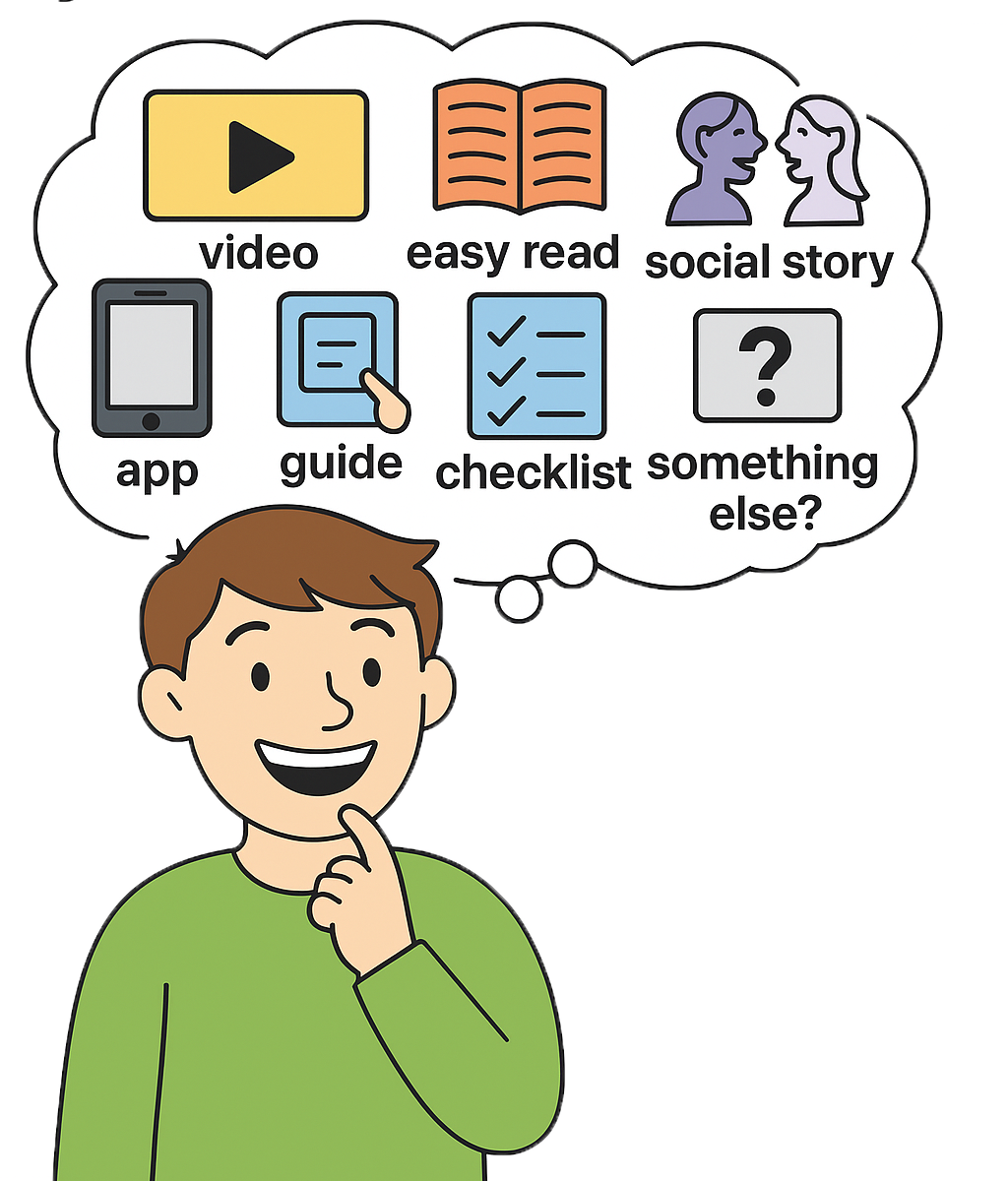
3. Think about how you want the information.
Do you want it in a video, Easy Read, social story, app, guide, checklist or something else?
4. Combine your key words with how you want the information.
Add the words intellectual disability to the end.
For example
For example
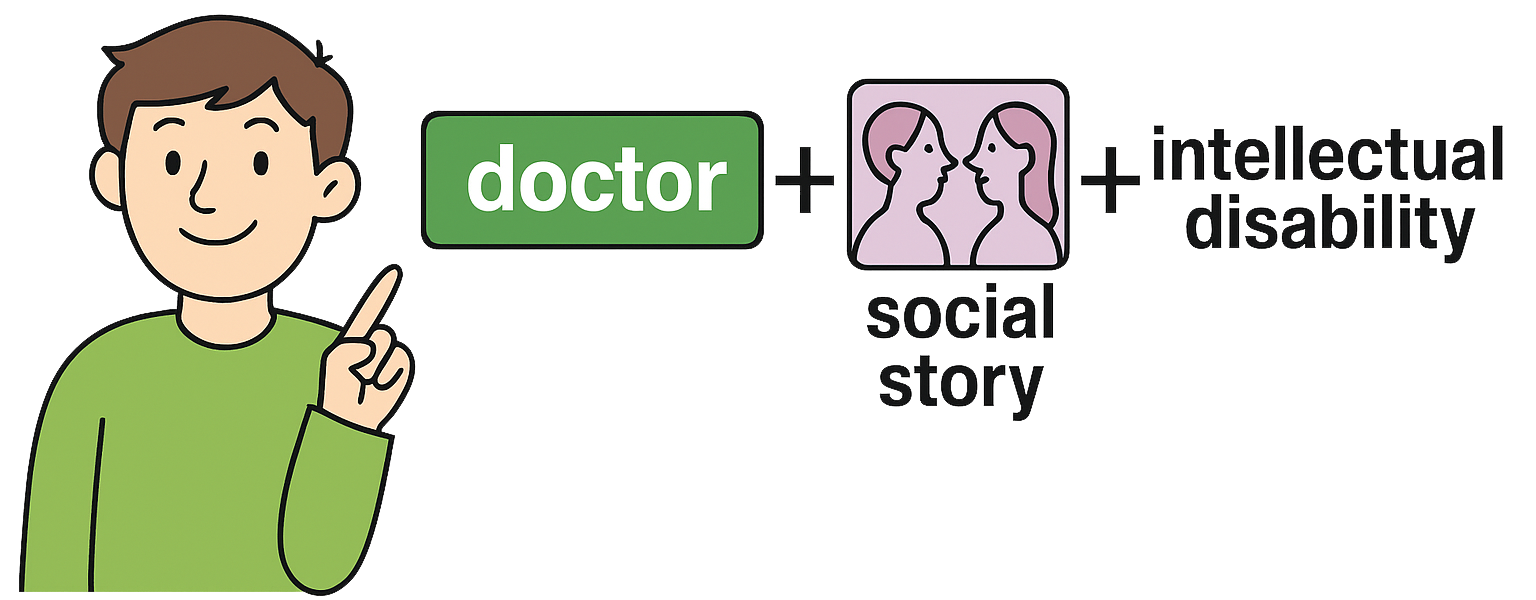
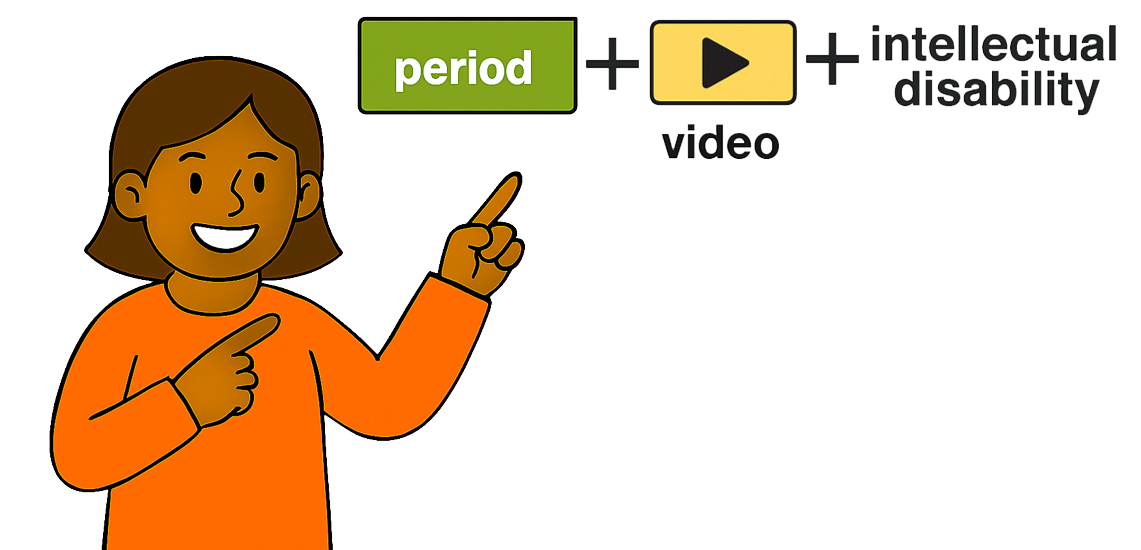
These are called your search terms.
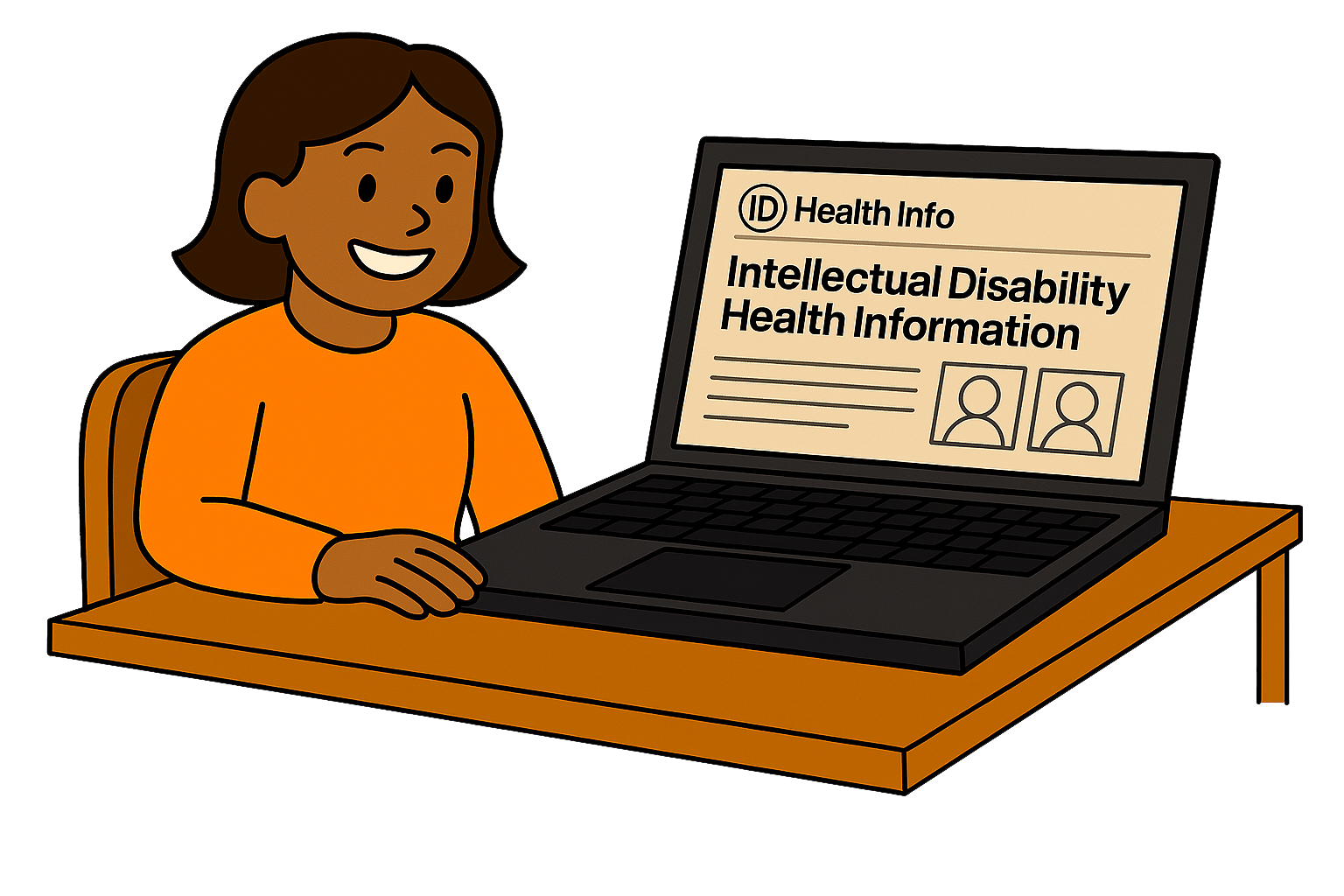
5. If you have websites you like to go to for health information, go to those websites first.
For example, you might like the website of CID or Down syndrome Australia.
You can skip this step if you do not have websites that you use.
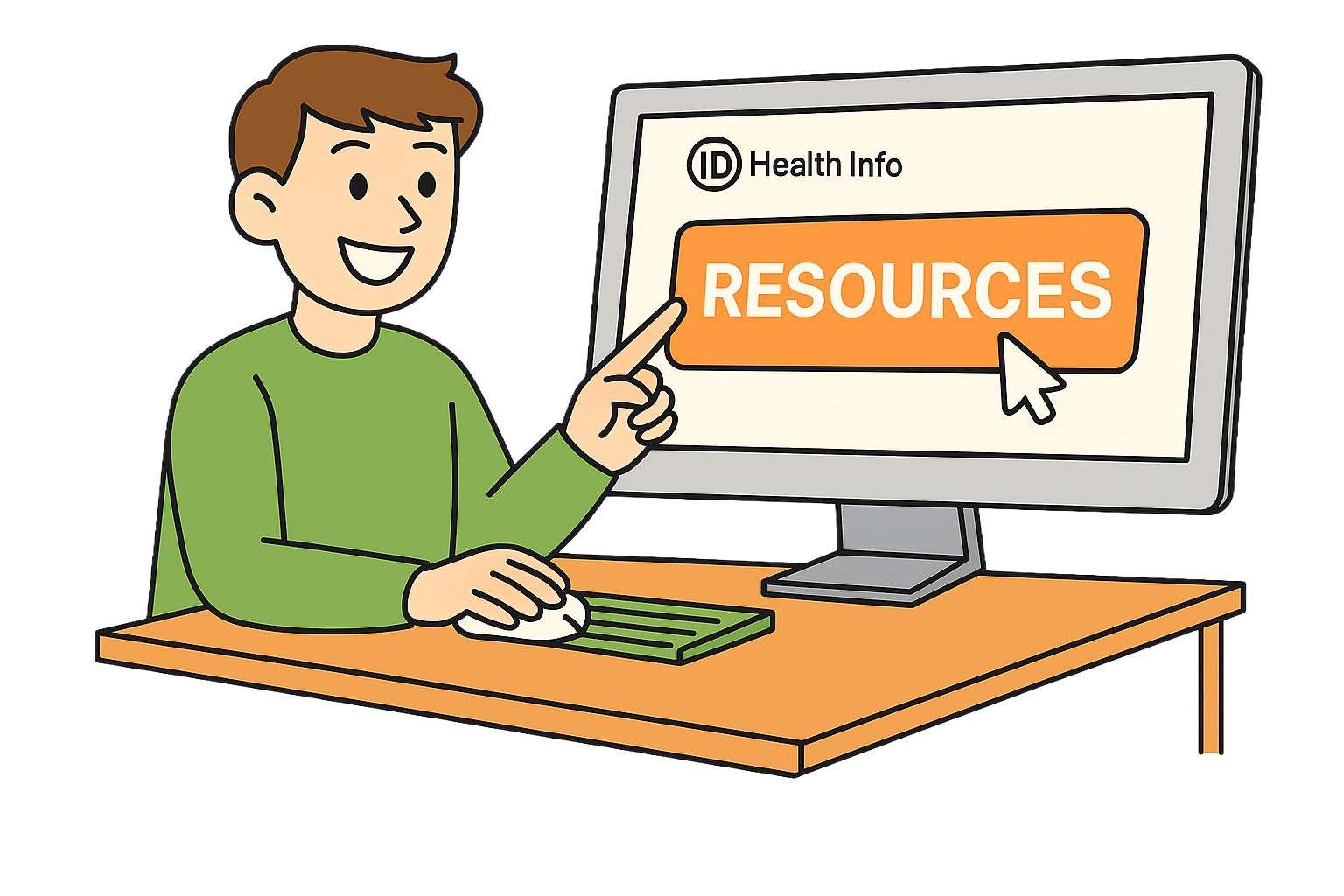
6. Look for sections called Resources, Hub or Library.
If there is a search bar enter your search terms.

7. Go to Google and put in your search terms.
If you are looking for a video you can also go to YouTube.

8. Select links that mention your topic.
Go back to the search page if it is not what you are looking for.
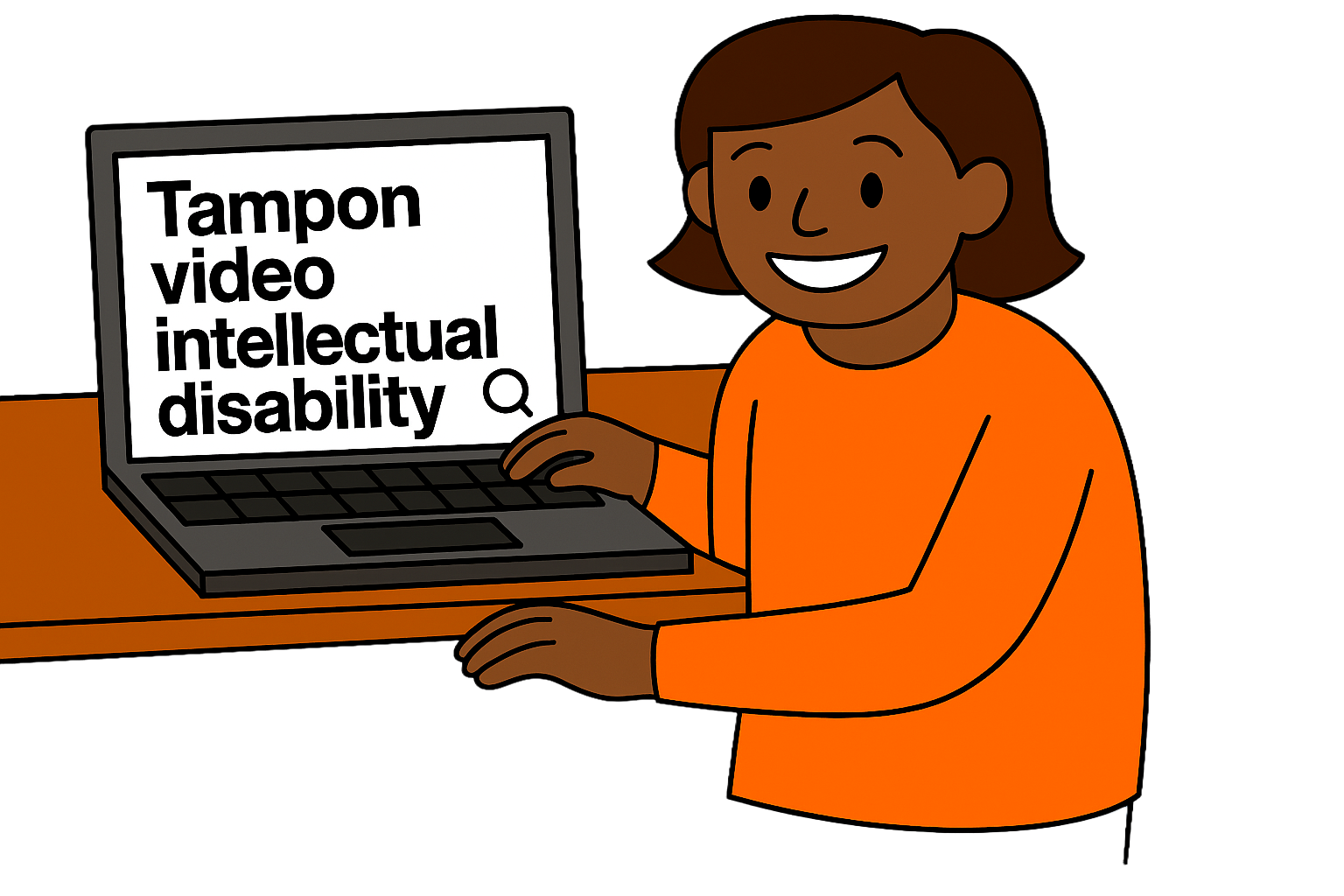
9. If you cannot find anything, try a different search term.
For example, you can search for tampon if you cannot find anything for period.
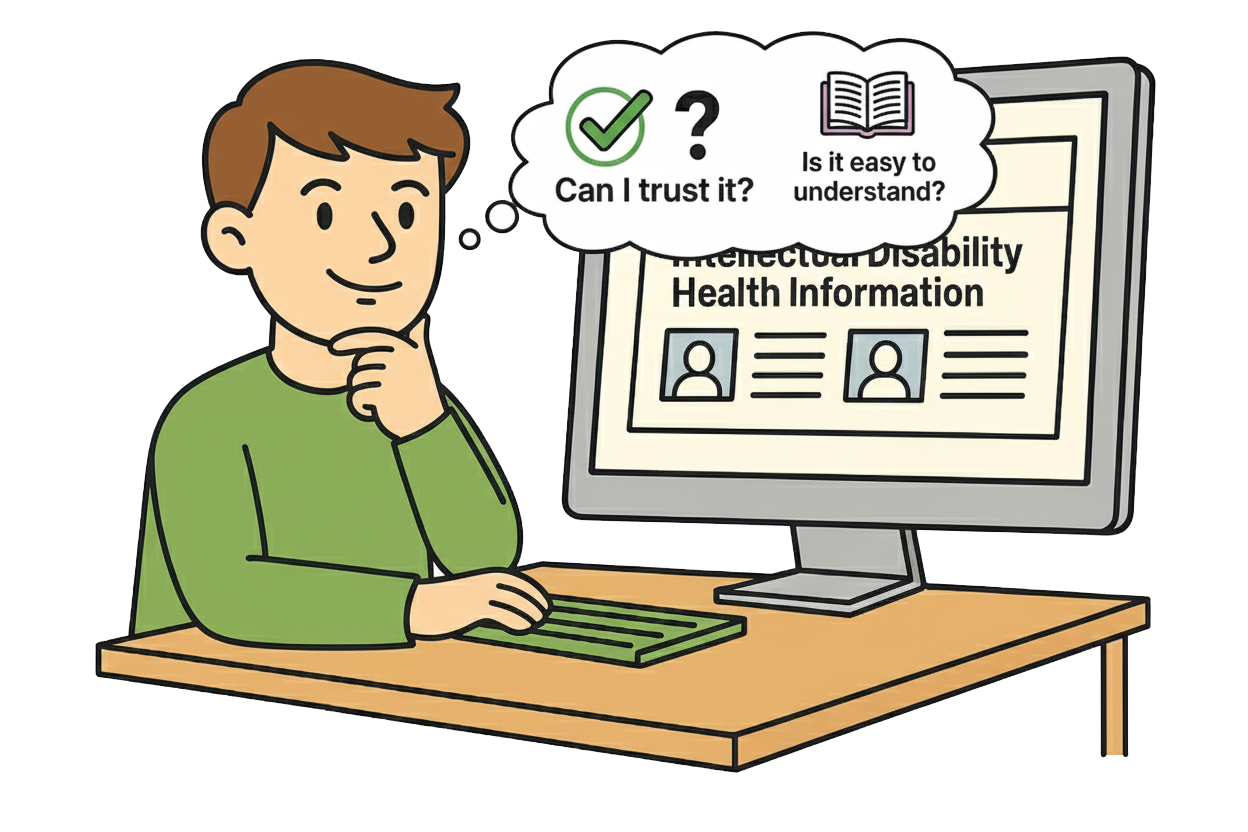
10. When you have found what you are looking for think about
You can use this checklist to help you.
Online health information does not replace advice from a health worker.
Always talk to a health worker for help with your health.
Call 000 in an emergency.
We trust this resource because it is:
We've checked this resource, and you can follow our guide to know if health information is true and right for you.
The National Centre of Excellence in Intellectual Disability Health (the Centre) works to improve health services and the health system so people with intellectual disability can live their best, healthiest lives.
The Centre was funded by the Australian Government. It is part of the National Roadmap for Improving the Health of People with Intellectual Disability.
Tell us about a helpful health resource that you want to share. It could be a podcast, checklist, tool, guide or something else. Resources can help people learn new things and find support.
Your feedback will help us improve Our Health Space.